Text
Text is a control for displaying text.
Examples
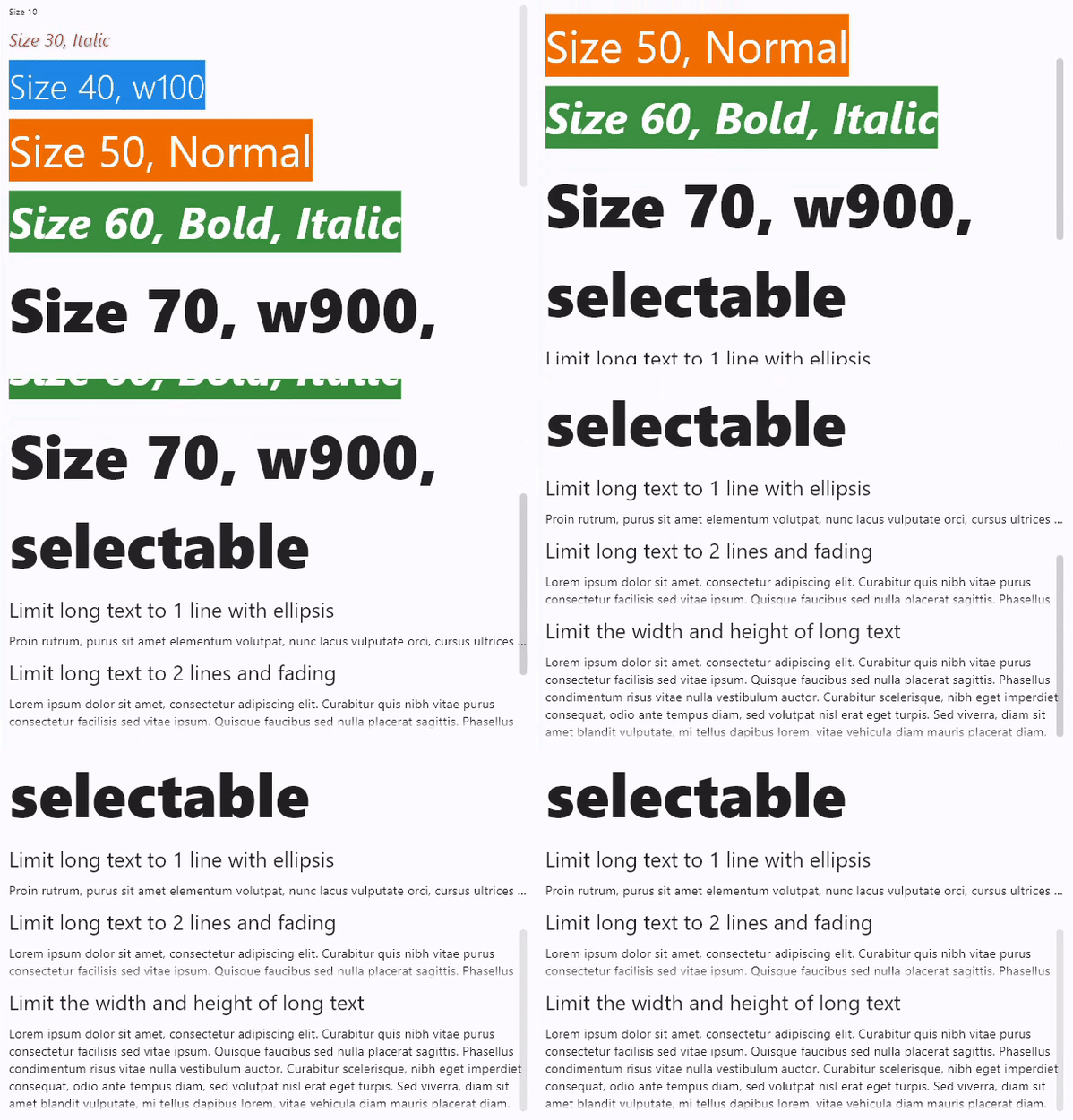
Custom text styles
loading...
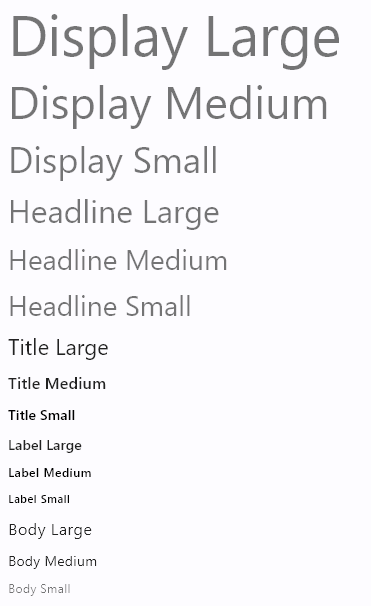
Pre-defined theme text styles
loading...
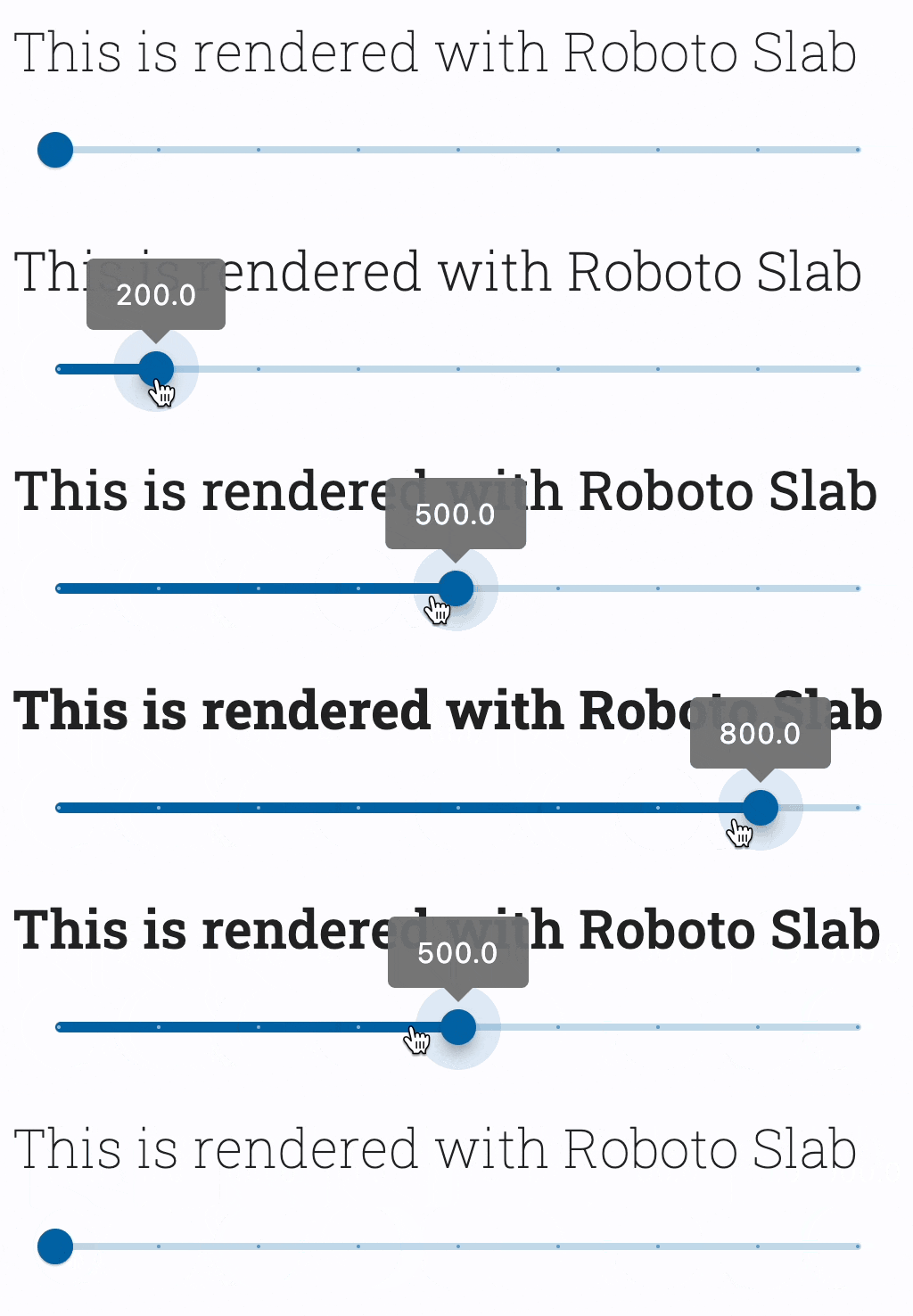
Font with variable weight
loading...
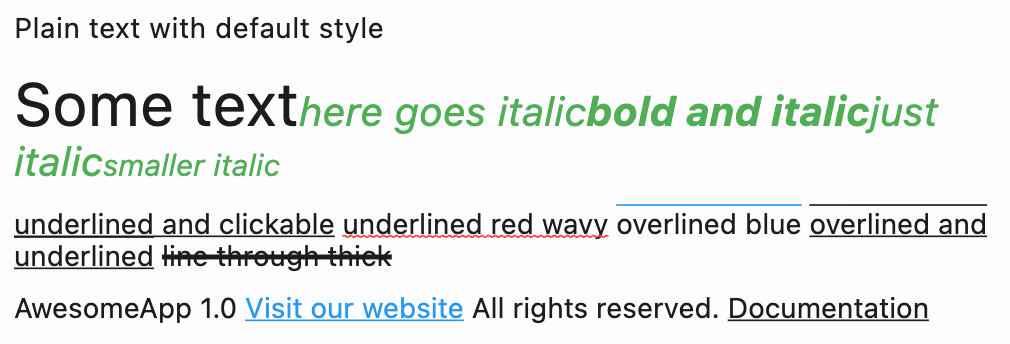
Rich text basics
loading...
Rich text with borders and stroke

loading...
Rich text with gradient

loading...
Properties
bgcolor
Text background color.
color
Text foreground color.
font_family
System or custom font family to render text with. See Fonts cookbook guide for instructions on how to import and use custom fonts in your application.
italic
True to use italic typeface.
Value is of type bool and defaults to False.
max_lines
An optional maximum number of lines for the text to span, wrapping if necessary. If the text exceeds the given number of lines, it will be truncated according to overflow.
If this is 1, text will not wrap. Otherwise, text will be wrapped at the edge of the box.
no_wrap
If False (default) the text should break at soft line breaks.
If True, the glyphs in the text will be positioned as if there was unlimited horizontal space.
Value is of type bool and defaults to False.
overflow
Controls how text overflows.
Value is of type TextOverflow and defaults to TextOverflow.FADE.
rtl
True to set text direction to right-to-left.
Defaults to False.
selectable
Whether the text should be selectable.
Defaults to False.
semantics_label
An alternative semantics label for this text.
If present, the semantics of this control will contain this value instead of the actual text. This will overwrite any of the TextSpan.semantics_labels.
This is useful for replacing abbreviations or shorthands with the full text value:
Value is of type str.
ft.Text("$$", semantics_label="Double dollars")
size
Text size in virtual pixels.
Value is of type OptionalNumber and defaults to 14.
spans
The list of TextSpan objects to build a rich text paragraph.
style
The text's style.
Value is of type TextStyle.
text_align
Text horizontal align.
Value is of type TextAlign and defaults to TextAlign.LEFT.
theme_style
Pre-defined text style.
Value is of type TextThemeStyle.
value
The text displayed.
Value is of type str.
weight
Font weight.
Value is of type FontWeight and defaults to FontWeight.NORMAL.