Canvas
Canvas is a control for drawing arbitrary graphics using a set of primitives or "shapes" such as line, arc, path and text.
Examples
Basic usage
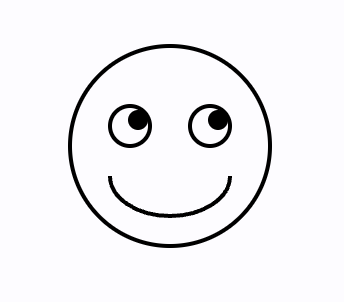
loading...
Path shape example
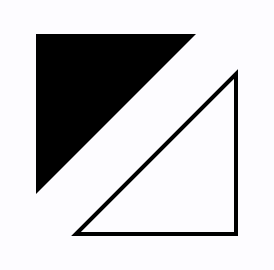
loading...
Bezier curves
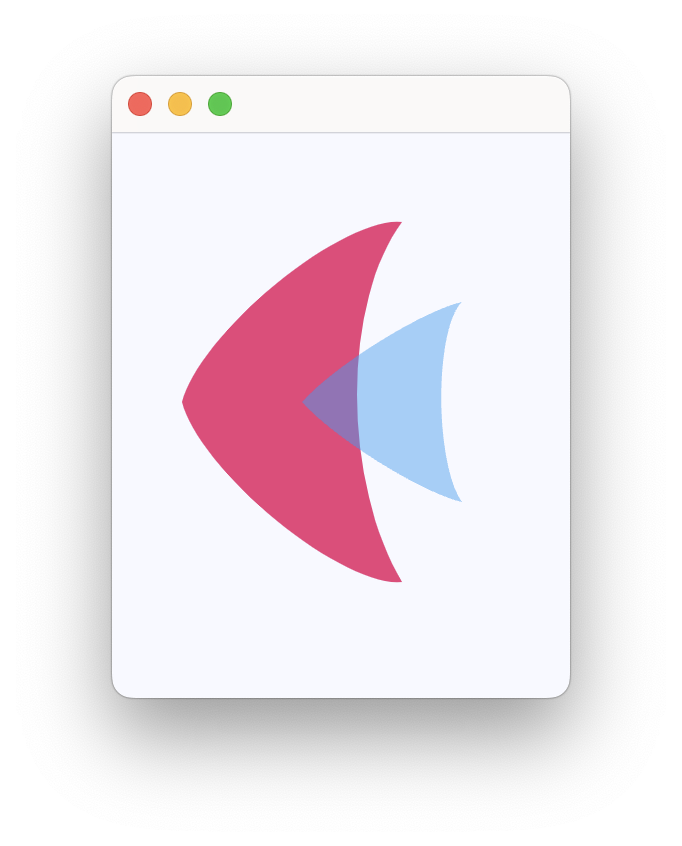
loading...
Drawing text
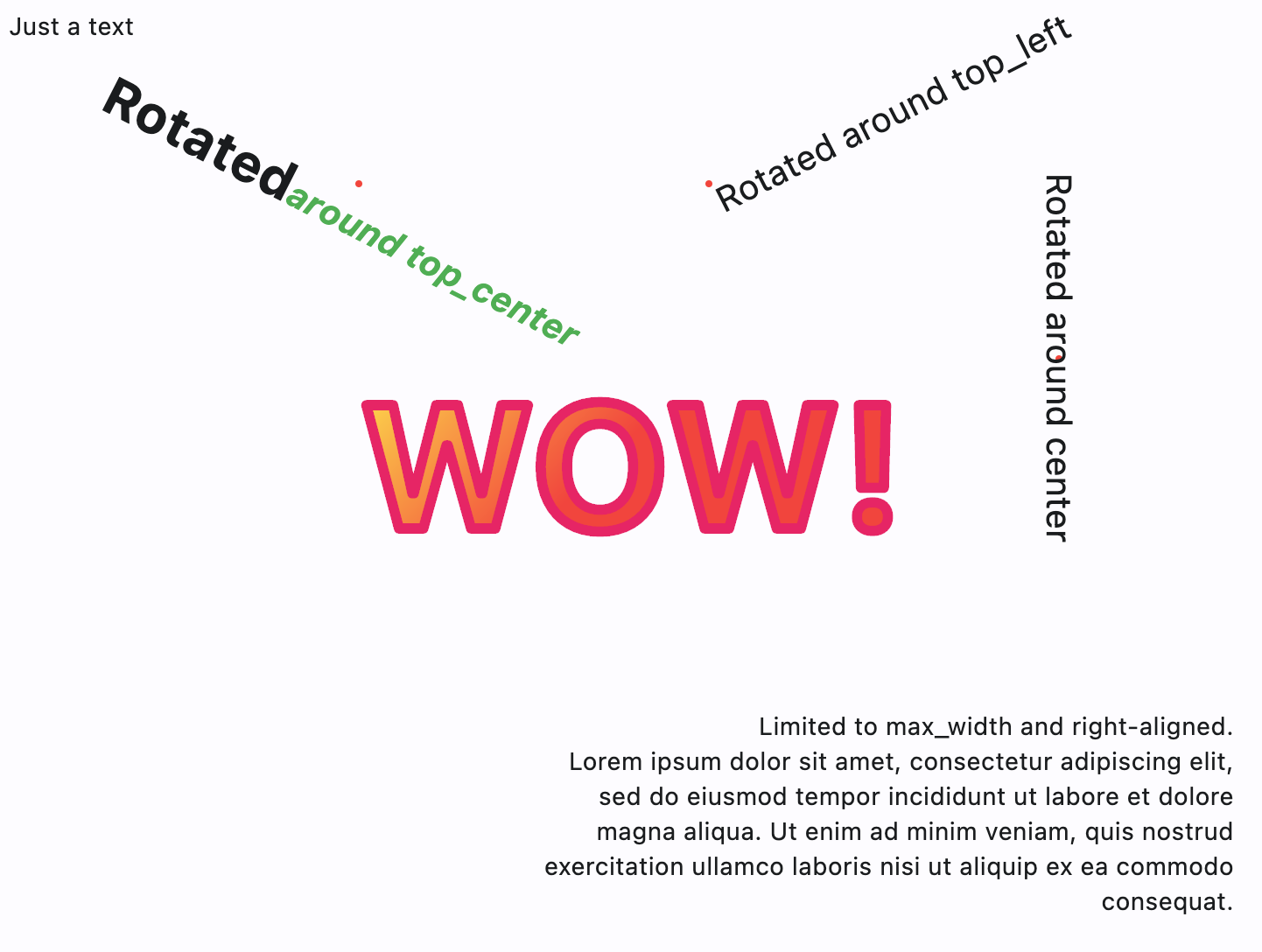
https://github.com/flet-dev/examples/blob/main/python/controls/information-displays/canvas/canvas-text.py
Free-hand drawing tool - canvas with gesture detector

loading...
Canvas properties
resize_interval
Sampling interval in milliseconds for on_resize event.
Defaults to 0 - call on_resize immediately on every change.
shapes
The list of Shape objects (see below) to draw on the canvas.
Canvas events
on_resize
Fires when the size of canvas has changed.
Event object e is an instance of CanvasResizeEvent.
Arc shape properties
Draws an arc scaled to fit inside the given rectangle.
It starts from start_angle radians around the oval up to start_angle + sweep_angle radians around the oval, with zero radians being the point on the right hand side of the oval that crosses the horizontal line that intersects the center of the rectangle and with positive angles going clockwise around the oval. If use_center is True, the arc is closed back to the center, forming a circle sector. Otherwise, the arc is not closed, forming a circle segment.
[PICTURE] - https://api.flutter.dev/flutter/dart-ui/Canvas/drawArc.html
height
Height of the rectangle containing the arc's oval.
paint
A style to draw an arc with. The value of this property is the instance of Paint class.
start_angle
Starting angle in radians to draw arc from.
sweep_angle
The length of the arc in radians.
use_center
If use_center is True, the arc is closed back to the center, forming a circle sector. Otherwise, the arc is not closed, forming a circle segment.
width
Width of the rectangle containing the arc's oval.
x
The x-axis coordinate of the arc's top left point.
y
The y-axis coordinate of the arc's top left point.
Circle shape properties
Draws a circle.
paint
A style to draw a circle with. The value of this property is the instance of Paint
class.
radius
Circle's radius.
x
The x-axis coordinate of the circle's center point.
y
The y-axis coordinate of the circle's center point.
Color shape properties
Paints the given color onto the canvas, applying the given blend_mode, with the given color being the source and the background being the destination.
blend_mode
Blend mode to apply.
Value is of type BlendMode.
color
Color to paint onto the canvas.
Fill shape properties
Fills the canvas with the given Paint.
To fill the canvas with a solid color and blend mode, consider Color shape instead.
paint
A style to fill the canvas with. The value of this property is the instance of Paint class.
Line shape properties
Draws a line between the given points using the given paint. The line is stroked, the value of the Paint.style is ignored.
paint
A style to draw a line with. The value of this property is the instance of Paint class.
x1
The x-axis coordinate of the line's starting point.
y1
The y-axis coordinate of the line's starting point.
x2
The x-axis coordinate of the line's end point.
y2
The y-axis coordinate of the line's end point.
Oval shape properties
Draws an axis-aligned oval that fills the given axis-aligned rectangle with the given Paint. Whether the oval is filled or stroked (or both) is controlled by Paint.style.
height
Height of the rectangle containing the oval.
paint
A style to draw an oval with. The value of this property is the instance of Paint
class.
width
Width of the rectangle containing the oval.
x
The x-axis coordinate of the oval's top left point.
y
The y-axis coordinate of the oval's top left point.
Path shape properties
Draws the a path with given elements with the given Paint.
Whether this shape is filled or stroked (or both) is controlled by Paint.style. If the path is filled, then sub-paths within it are implicitly closed (see Path.Close).
elements
The list of path elements:
Path.MoveTo(x, y)
Starts a new sub-path at the given point (x,y).
Path.LineTo(x, y)
Adds a straight line segment from the current point to the given point (x,y).
Path.QuadraticTo(cp1x, cp2y, x, y, w)
Adds a bezier segment that curves from the current point to the given point (x,y), using the control points (cp1x,cp1y) and the weight w. If the weight is greater than 1, then the curve is a hyperbola; if the weight equals 1, it's a parabola; and if it is less than 1, it is an ellipse.
Path.CubicTo(cp1x, cp1y, cp2x, cp2y, x, y)
Adds a cubic bezier segment that curves from the current point to the given point (x,y), using the control points (cp1x,cp1y) and (cp2x,cp2y).
Path.SubPath(elements, x, y)
Adds the sub-path described by elements to the given point (x,y).
Path.Arc(x, y, width, height, start_angle, sweep_angle)
Adds a new sub-path with one arc segment that consists of the arc that follows the edge of the oval bounded by the given rectangle with top left corner at x and y and dimensions width and height, from start_angle radians around the oval up to start_angle + sweep_angle radians around the oval, with zero radians being the point on the right hand side of the oval that crosses the horizontal line that intersects the center of the rectangle and with positive angles going clockwise around the oval.
Path.ArcTo(x, y, radius, rotation, large_arc, clockwise)
Appends up to four conic curves weighted to describe an oval of radius and rotated by rotation (measured in degrees and clockwise).
The first curve begins from the last point in the path and the last ends at x and y. The curves follow a path in a direction determined by clockwise (bool) and large_arc (bool) in such a way that the sweep angle is always less than 360 degrees.
A simple line is appended if either either radii are zero or the last point in the path (x,y). The radii are scaled to fit the last path point if both are greater than zero but too small to describe an arc.
Path.Oval(x, y, width, height)
Adds a new sub-path that consists of a curve that forms the ellipse that fills the given rectangle.
Path.Rect(x, y, width, height, border_radius)
Adds a rectangle as a new sub-path.
Path.Close
Closes the last sub-path, as if a straight line had been drawn from the current point to the first point of the sub-path.
paint
A style to draw a path with. The value of this property is the instance of Paint class.
Points shape properties
Draws a sequence of points according to the given point_mode.
paint
A style to draw points with. The value of this property is the instance of Paint class.
points
The list of ft.Offset describing points.
point_mode
Defines how a list of points is interpreted when drawing a set of points.
Value is of type PointMode.
Rect shape properties
Draws a rectangle.
border_radius
Border radius of the rectangle.
Value is of type BorderRadius.
height
Height of the rectangle.
paint
A style to draw a rectangle with. The value of this property is the instance of Paint
class.
width
Width of the rectangle.
x
The x-axis coordinate of the rectangle's top left point.
y
The y-axis coordinate of the rectangle's top left point.
Shadow shape properties
Draws a shadow for a path representing the given material elevation.
The transparent_occluder argument should be True if the occluding object is not opaque.
color
Shadow color.
elevation
Shadow elevation.
path
The list of Path.PathElement objects describing the path.
transparent_occluder
True if the occluding object is not opaque.
Defaults to False.
Text shape properties
Draws text with style in the given point (x, y).
alignment
A point within a text rectangle to determine its position and rotation center.
Value is of type Alignment and defaults to alignment.top_left.
ellipsis
String used to ellipsize overflowing text.
max_lines
The maximum number of lines painted. Lines beyond this number are silently dropped. For example, if max_lines = 1,
then only one line is rendered. If max_lines = None, but ellipsis != None, then lines after the first one that
overflows the width constraints are dropped.
max_width
The maximum width of the painted text.
Defaults to None - infinity.
rotate
Text rotation in radians. Text is rotated around the point determined by alignment. See code examples above.
spans
The list of TextSpan objects to build a rich text paragraph.
style
A text style to draw text and spans with. The value is the instance
of TextStyle class.
text
The text to draw.
text_align
Text horizontal align.
Value is of type TextAlign and defaults to TextAlign.LEFT.
x
The x-axis coordinate of the text's alignment point.
y
The y-axis coordinate of the text's alignment point.