Map
Used to display a map with various layers.
To build your Flet app that uses Map control add flet-map to dependencies key of the [project] section of your pyproject.toml file, for
example:
[project]
...
dependencies = [
  "flet==0.27.6",
  "flet-map==0.1.0",
]
Examples
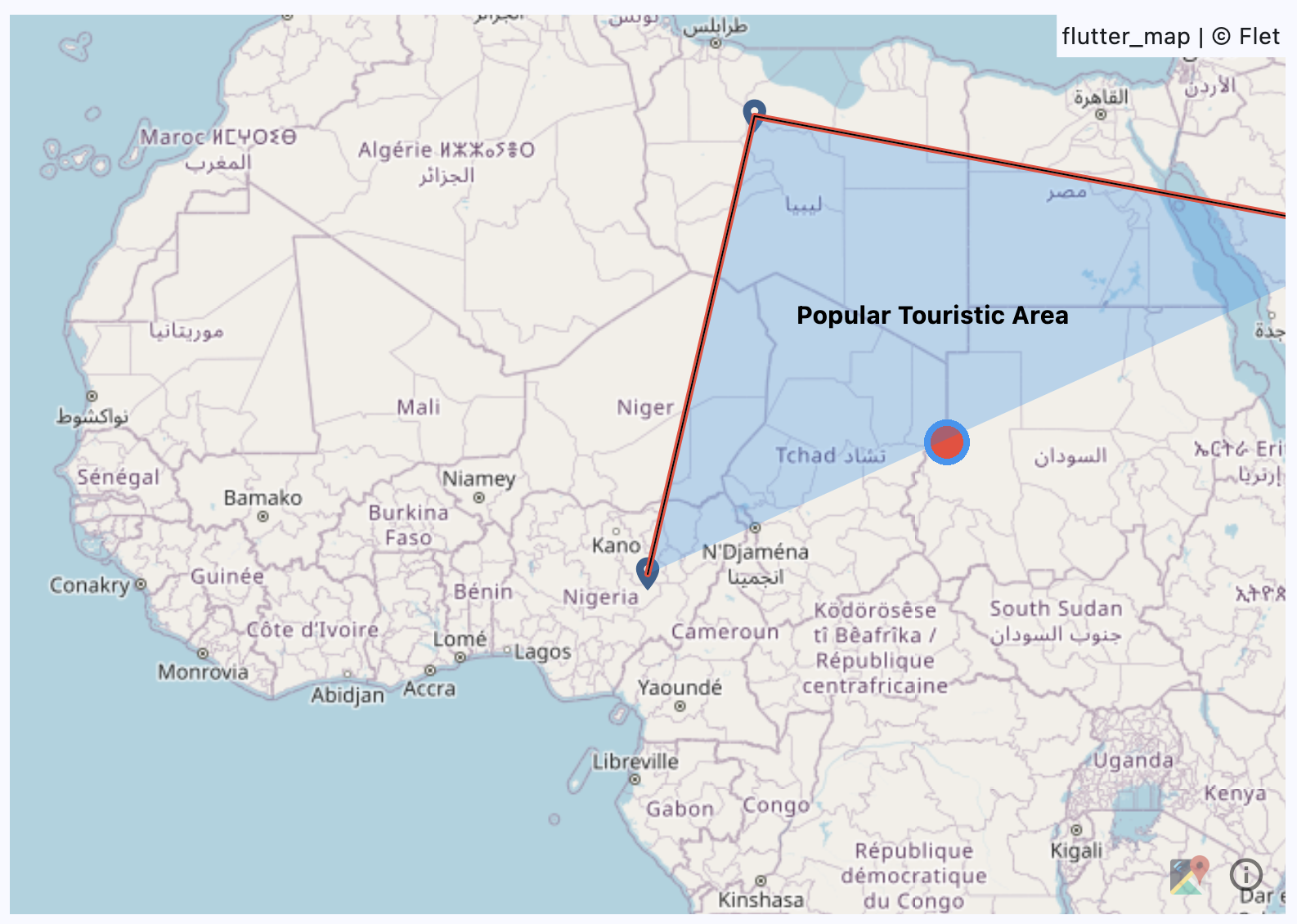
Example
loading...
Properties
bgcolor
The background color.
initial_center
The initial center of the map.
Value is of type MapLatitudeLongitude.
initial_rotation
The initial rotation value.
initial_zoom
The initial zoom level.
interaction_configuration
The interaction configuration.
Value is of type MapInteractionConfiguration.
keep_alive
A boolean value to keep the map alive.
max_zoom
The maximum zoom level.
min_zoom
The minimum zoom level.
layers
A list of layers to be displayed on the map.
Value is of type MapLayer.
Events
on_event
Fires when any map events occurs.
Event handler argument is of type MapEvent.
on_hover
Fires when a hover event occurs.
Event handler argument is of type MapHoverEvent.
on_init
Fires when the map is initialized.
on_long_press
Fires when a long press event occurs.
Event handler argument is of type MapTapEvent.
on_position_change
Fires when the map position changes.
Event handler argument is of type MapPositionChangeEvent.
on_pointer_down
Fires when a pointer down event occurs.
Event handler argument is of type MapPointerEvent.
on_pointer_cancel
Fires when a pointer cancel event occurs.
Event handler argument is of type MapPointerEvent.
on_pointer_up
Fires when a pointer up event occurs.
Event handler argument is of type MapPointerEvent.
on_secondary_tap
Fires when a secondary tap event occurs.
Event handler argument is of type MapTapEvent.
on_tap
Fires when a tap event occurs.
Event handler argument is of type MapTapEvent.
Methods
rotate_from
Apply a rotation of degree to the current rotation.
It has the following arguments:
animation_curve: The curve of the zoom animation. Value is of typeAnimationCurveand defaults toMap.animation_curve.degree: The degree to rotate.
reset_rotation
Reset the rotation to 0 degrees.
It has the following arguments:
animation_curve: The curve of the zoom animation. Value is of typeAnimationCurveand defaults toMap.animation_curve.animation_duration: The duration of the zoom animation. Value is of typeDurationValueand defaults toMap.animation_duration.
zoom_in
Add one level to the current zoom level.
It has the following arguments:
animation_curve: The curve of the zoom animation. Value is of typeAnimationCurveand defaults toMap.animation_curve.animation_duration: The duration of the zoom animation. Value is of typeDurationValueand defaults toMap.animation_duration.
zoom_out
Subtract one level from the current zoom level.
It has the following arguments:
animation_curve: The curve of the zoom animation. Value is of typeAnimationCurveand defaults toMap.animation_curve.animation_duration: The duration of the zoom animation. Value is of typeDurationValueand defaults toMap.animation_duration.
zoom_to
Zoom to a specific level.
It has the following arguments:
animation_curve: The curve of the zoom animation. Value is of typeAnimationCurveand defaults toMap.animation_curve.animation_duration: The duration of the zoom animation. Value is of typeDurationValueand defaults toMap.animation_duration.zoom: The zoom level to zoom to.
move_to
Move to a specific location.
It has the following arguments:
animation_curve: The curve of the move animation. Value is of typeAnimationCurveand defaults toMap.animation_curve.animation_duration: The duration of the move animation. Value is of typeDurationValueand defaults toMap.animation_duration.destination: The destination point to move to. Value is of typeMapLatitudeLongitude.zoom: The zoom level to move to.offset: The offset to move to. Value is of typeOffsetValue.rotation: The rotation to move to.
center_on
Center the map on a specific location.
It has the following arguments:
animation_curve: The curve of the move animation. Value is of typeAnimationCurveand defaults toMap.animation_curve.animation_duration: The duration of the move animation. Value is of typeDurationValueand defaults toMap.animation_duration.point: The point to center on. Value is of typeMapLatitudeLongitude.zoom: The zoom level to move to.